iPadOS app

CodeSwissKnife for iPad. Developer utilities built for touch.

  • Offline tools for common developer transformations
  • iPad workflow for encoding, formatting, parsing, and previewing on the go
  • App Store version maintained separately from the Mac direct-download app
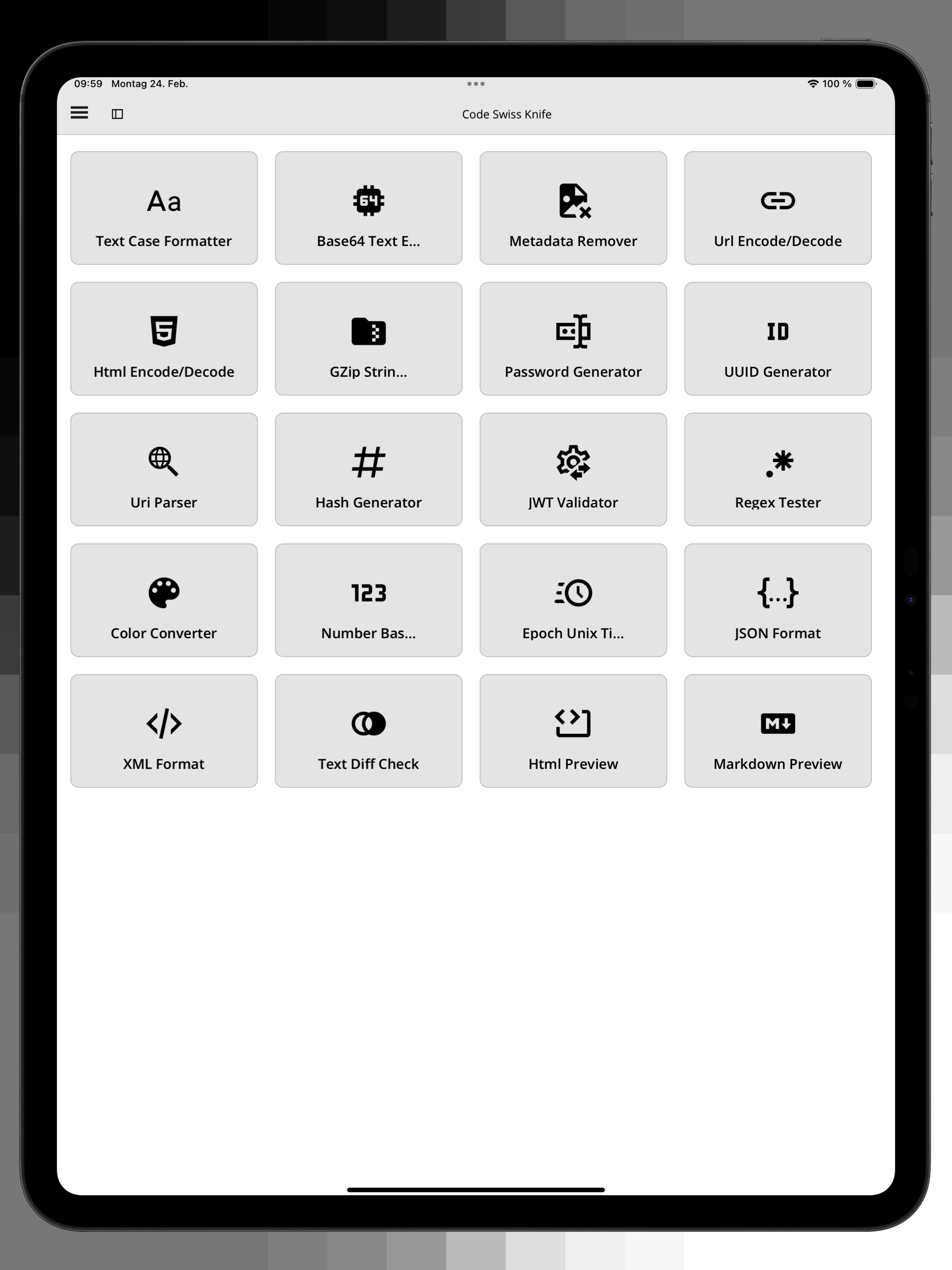
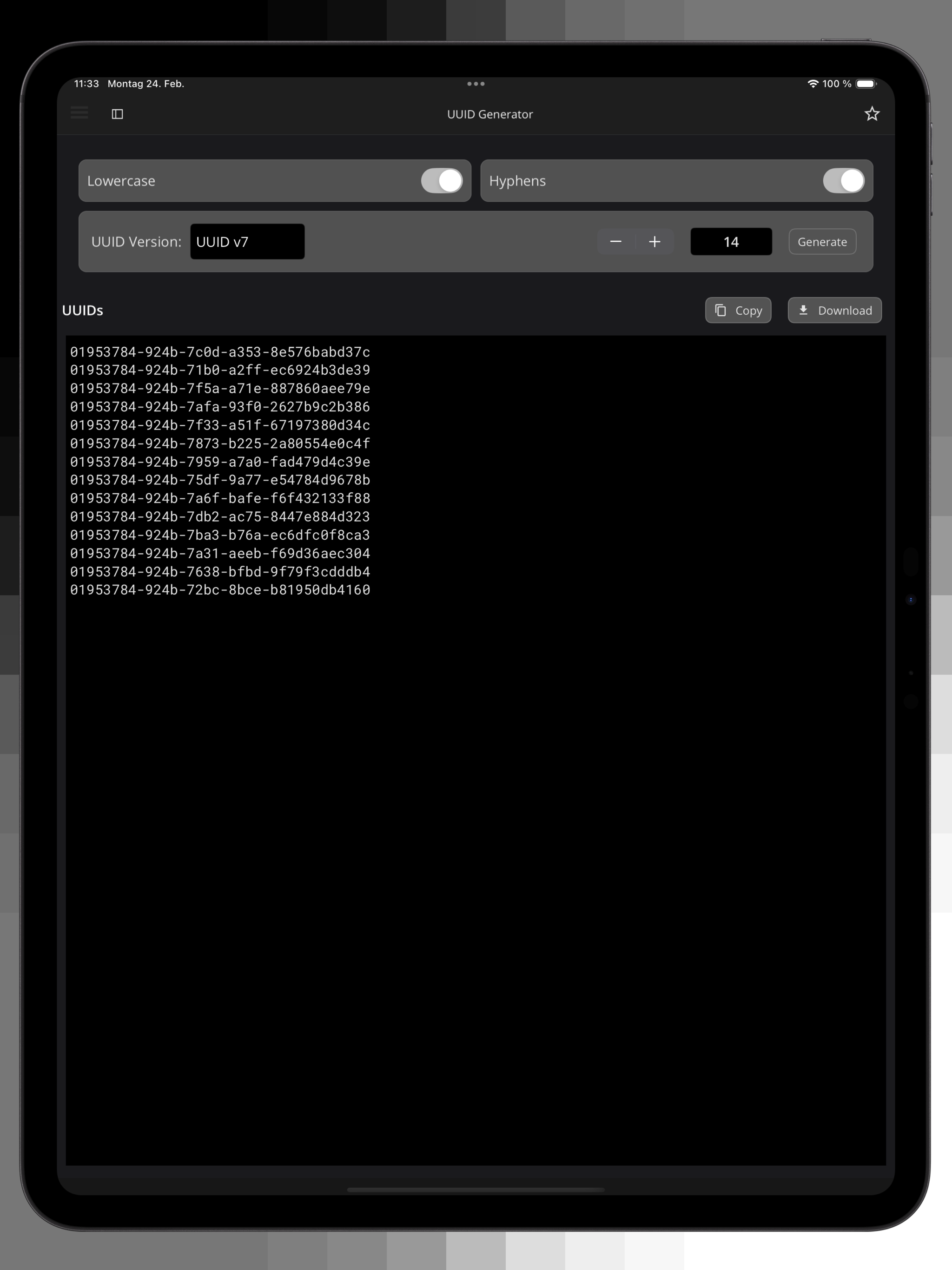
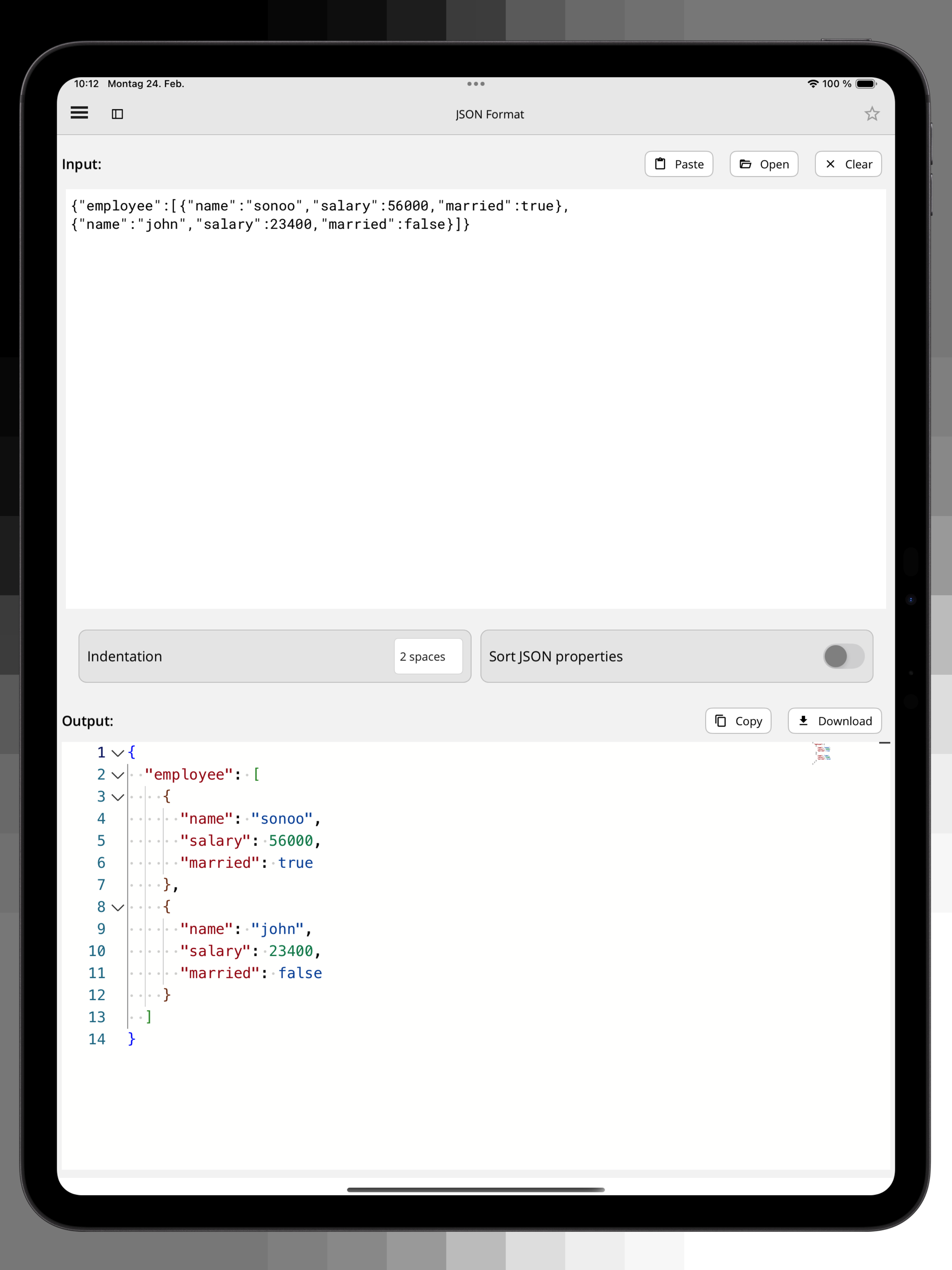
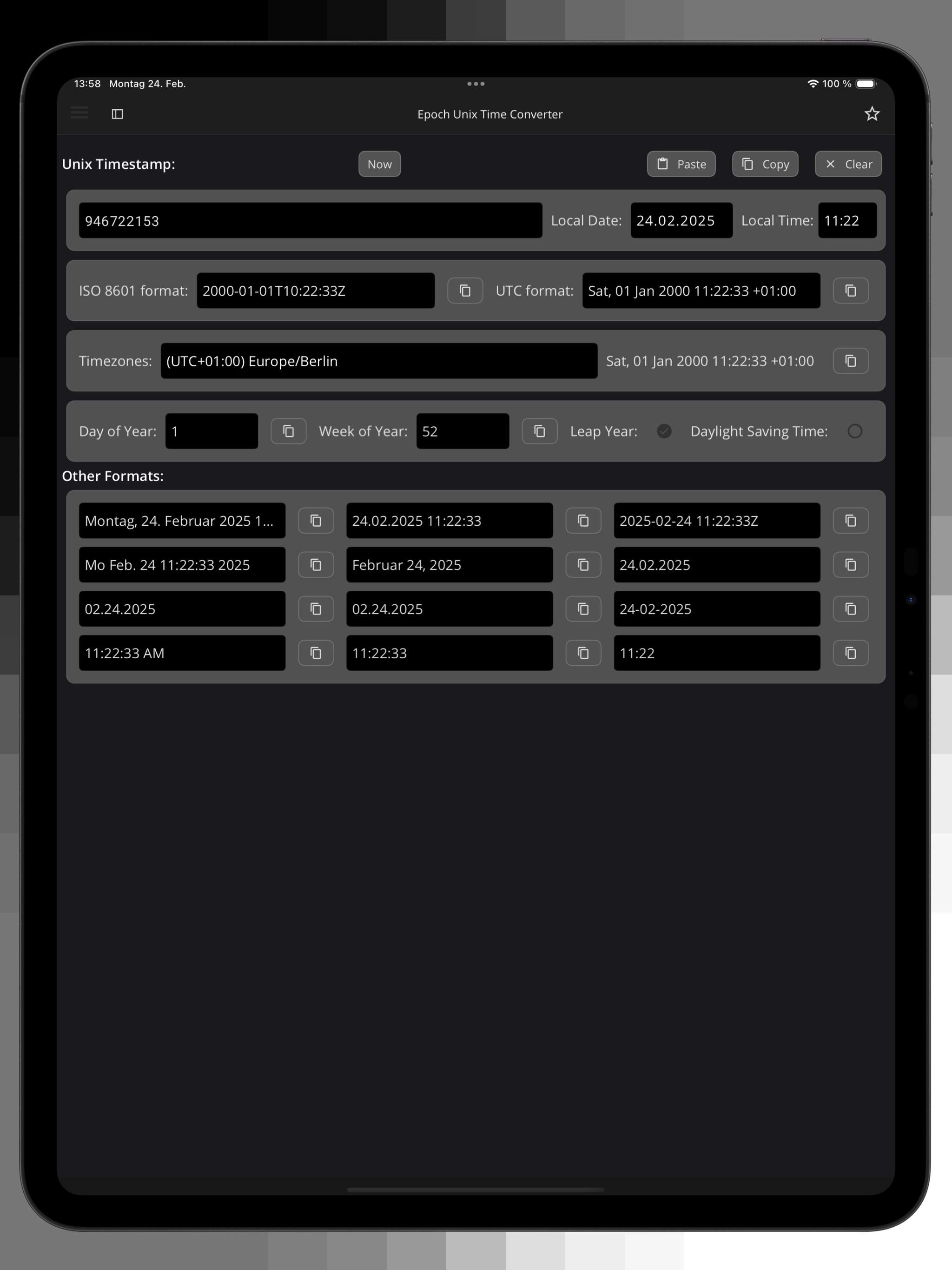
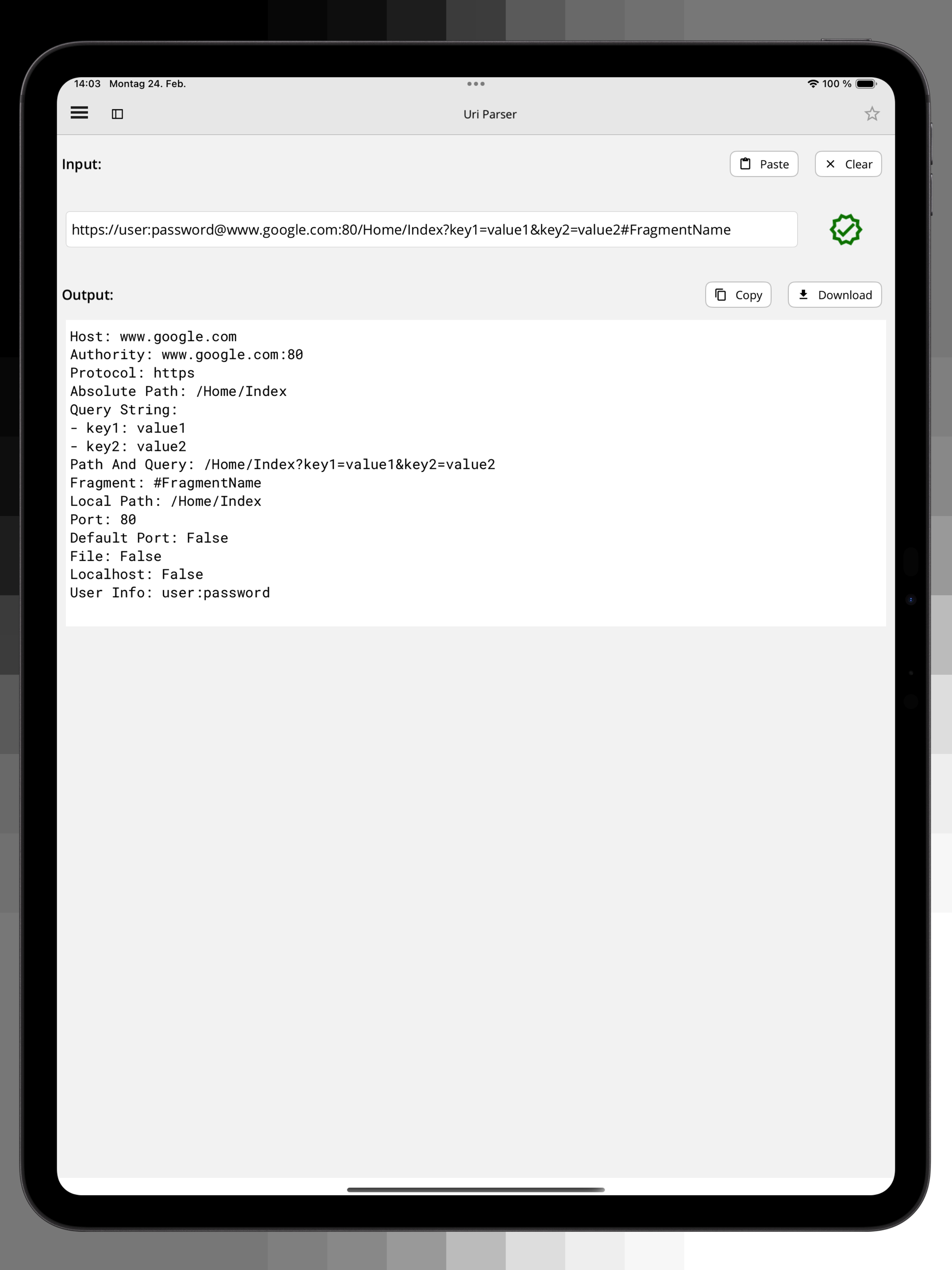
CodeSwissKnife running on iPad.
iPadOS version Offline developer utilities Available from the App Store
Developer tools

Core utilities for iPad workflows

CodeSwissKnife for iPad covers common encoding, decoding, formatting, parsing, generation, and preview tasks in a touch-friendly interface.

It is useful when you are reviewing payloads, snippets, timestamps, colors, hashes, URLs, and structured data away from the Mac.

CodeSwissKnife iPad developer tools.
Offline by design

Keep sensitive text on the device

The iPad app follows the same privacy-first direction: use local tools instead of pasting sensitive data into random web pages.

It is a separate App Store product from the current macOS direct-download app.

CodeSwissKnife iPad offline tools.
Preview and inspect

Check content before it leaves your workspace

Preview formatted output, inspect strings, validate structured data, and generate values directly on iPadOS.

For the full macOS 2.0 toolset, use the main CodeSwissKnife app from this site.

CodeSwissKnife iPad preview and inspection tools.

CodeSwissKnife for iPad screenshots

A quick look at the iPadOS version.

CodeSwissKnife iPad screenshot 1 CodeSwissKnife iPad screenshot 2 CodeSwissKnife iPad screenshot 3 CodeSwissKnife iPad screenshot 4 CodeSwissKnife iPad screenshot 5

Use CodeSwissKnife on iPad

The iPad version is available from the App Store.