System Info
How to View System Info Locally on your Mac
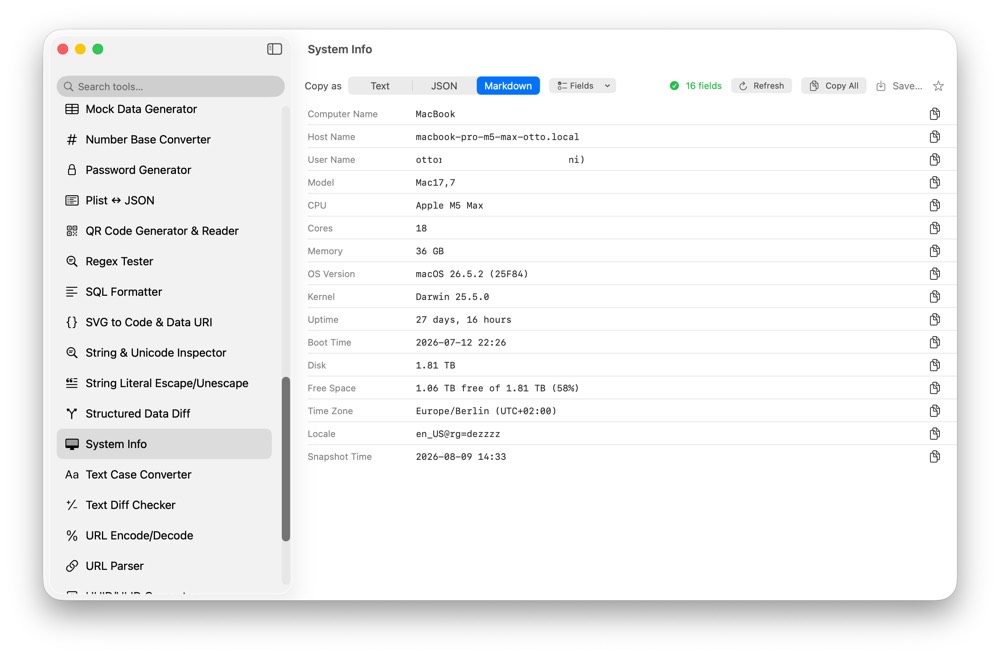
System information is useful in bug reports and support requests, but it can include identifying details. CodeSwissKnife shows useful Mac and device information locally in one copyable utility.
Why view system info locally?
System details can include host names, addresses, usernames and device information. Local collection keeps the snapshot on your Mac.
Hide identifying fields
A one-click hide option removes identifying fields before sharing, so support snippets can be prepared more carefully.
Use in bug reports and scripts
Copy text, JSON or Markdown output when preparing bug reports, scripts or support messages without running shell commands.
Use System Info offline on macOS
Download CodeSwissKnife to keep this inspector or debugger and the rest of your developer workflow tools local on your Mac.