Markdown Preview
How to Preview Markdown Locally on your Mac
Markdown appears in READMEs, tickets, release notes and docs. CodeSwissKnife renders Markdown locally with a clean writing and preview workflow.
Why preview Markdown locally?
Draft docs can include unreleased plans, issue details or internal links. Local preview keeps the Markdown in your workspace.
Render common Markdown
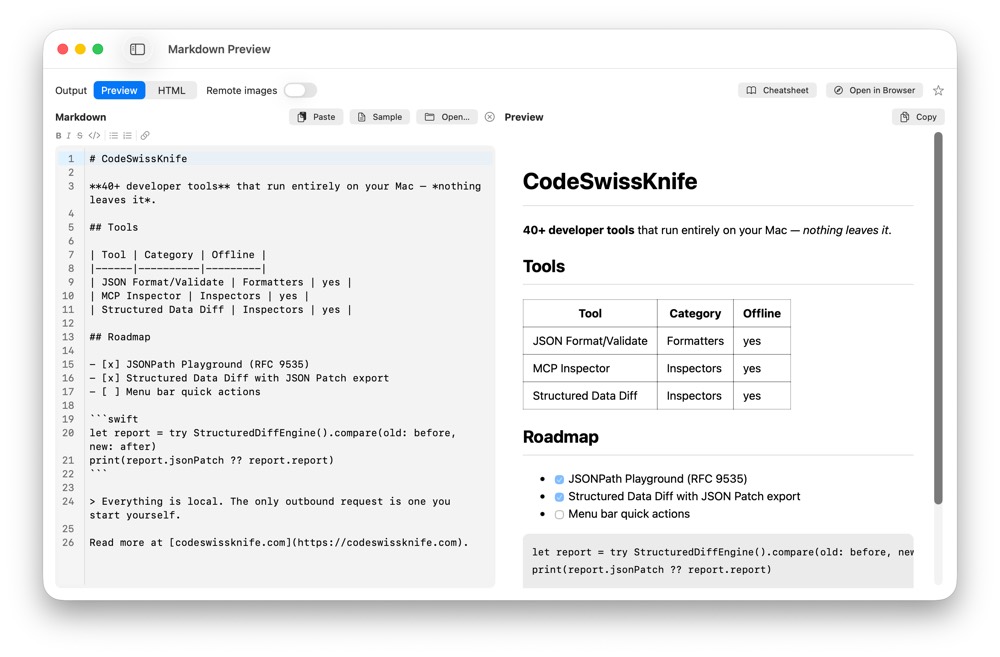
Preview Markdown with a focused editor and rendered output, using the same local app as your other developer text tools.
Use for developer notes
Use Markdown Preview beside AI Developer Library, Text Diff Checker and String tools when preparing prompts, rules, docs and release notes.
Use Markdown Preview offline on macOS
Download CodeSwissKnife to keep this inspector or debugger and the rest of your developer workflow tools local on your Mac.