HTML Preview
How to Preview HTML Locally on your Mac
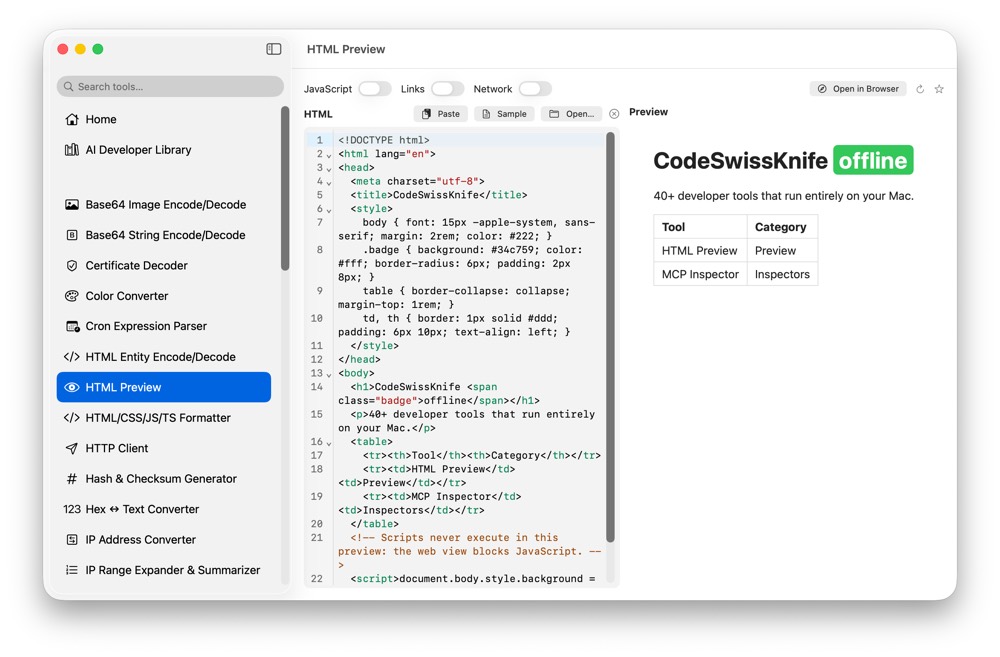
HTML snippets can contain unreleased UI copy, internal links or pasted markup from private tools. CodeSwissKnife previews HTML locally while you edit markup.
Why preview HTML locally?
A local preview avoids pasting markup into online renderers, especially when snippets include internal links or product copy.
Preview in a sandboxed view
HTML Preview uses a sandboxed preview surface shared with Markdown workflows, with JavaScript, links and network access controlled for local inspection.
Use with web formatters
Pair HTML Preview with HTML/CSS/JS/TS Formatter and HTML Entity Encode/Decode when cleaning and checking web snippets.
Use HTML Preview offline on macOS
Download CodeSwissKnife to keep this inspector or debugger and the rest of your developer workflow tools local on your Mac.