How to Encode and Decode Base64 Strings Locally on your Mac
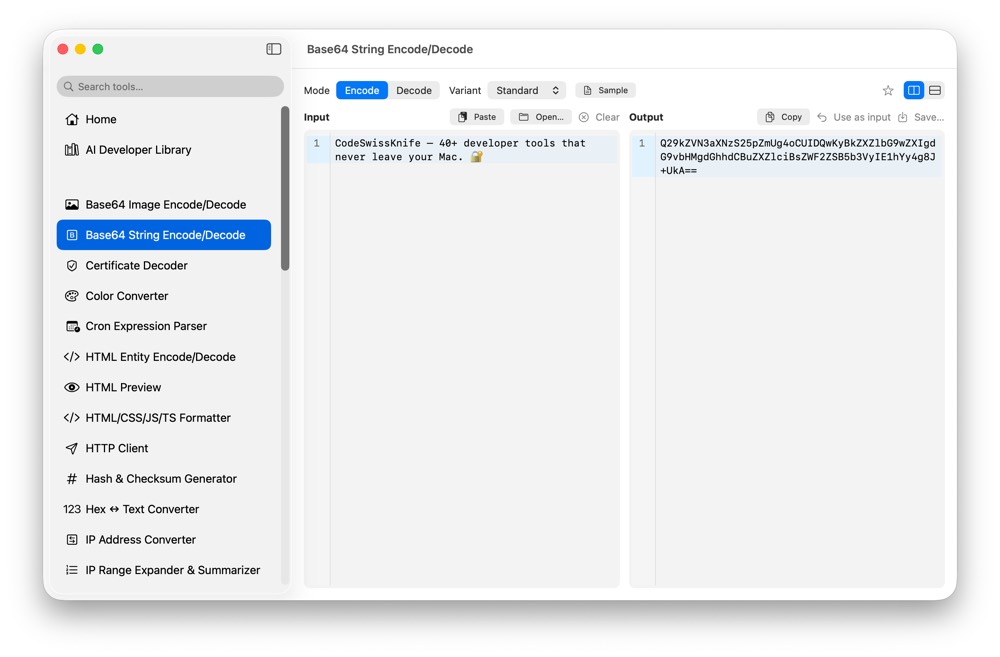
Base64 strings often contain tokens, payload fragments, certificates or configuration values. CodeSwissKnife encodes and decodes Base64 text locally, so you can inspect content without pasting it into a web decoder.
Why decode Base64 locally?
Encoded text is not necessarily safe text. It can hide credentials, JWT parts, internal config or customer data. A local decoder keeps that content on your Mac.
Preview and validate text
Use local validation to catch malformed Base64 and preview decoded text before copying it into another tool or request.
Use Base64 beside payload tools
Pair Base64 String Encode/Decode with JSON Format/Validate, Certificate Decoder, JWT Debugger and HTTP Client when encoded values appear inside API work.
Use Base64 String Encode/Decode offline on macOS
Download CodeSwissKnife to keep this encoder or decoder and the rest of your developer workflow tools local on your Mac.