Base64 Image Encode/Decode
How to Encode and Decode Base64 Images Locally on your Mac
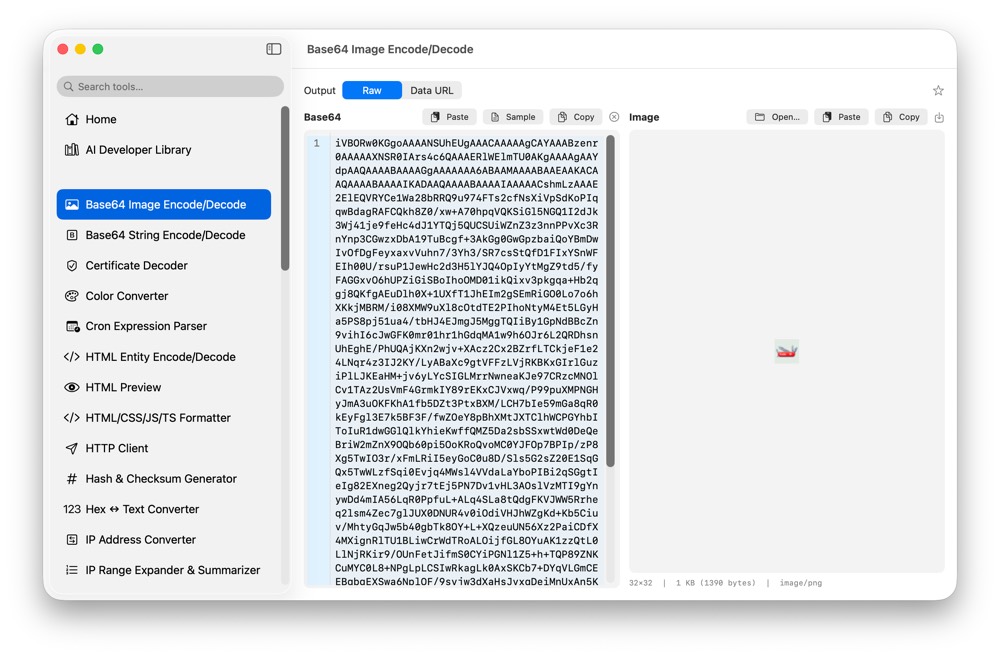
Base64 images appear in API fixtures, CSS, email templates and data URIs. CodeSwissKnife converts images to Base64 and decodes Base64 back into files locally, with preview support.
Why convert Base64 images locally?
Images can contain screenshots, UI assets and metadata. Local conversion avoids uploading private image content just to create or decode a Base64 string.
Preview decoded images
The image workflow uses a preview pane, so decoded output can be checked before saving or copying it elsewhere.
Use it with image and web tools
Pair Base64 Image Encode/Decode with Image Converter and Metadata, SVG to Code and HTML/CSS/JS/TS Formatter when working with embedded assets.
Use Base64 Image Encode/Decode offline on macOS
Download CodeSwissKnife to keep this encoder or decoder and the rest of your developer workflow tools local on your Mac.