How to Convert SVG to Code and Data URI Locally on your Mac
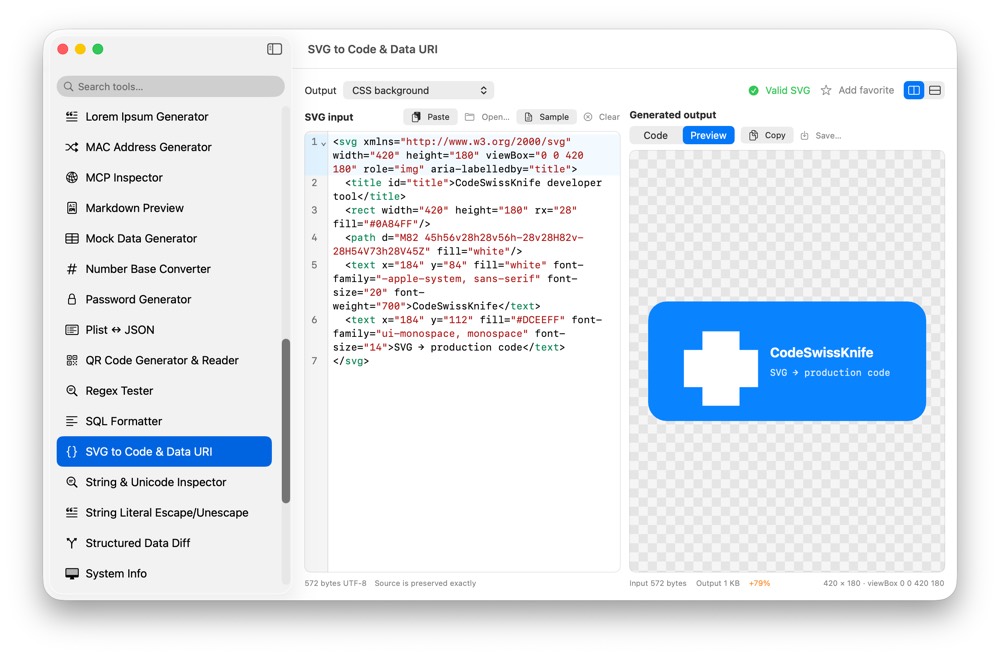
SVG assets often come from product icons, brand files or unreleased UI work. CodeSwissKnife converts SVG into code-ready output locally, including embeddable snippets and compact data URIs.
Why convert SVG locally?
A local converter keeps design assets and internal UI work on your Mac. You can prepare an SVG for code review, CSS, HTML or documentation without sending the asset to a web tool.
Validate SVG structure
The tool checks XML and SVG structure before generating output, so malformed markup is caught before it is embedded into code.
Generate code-friendly output
Create CSS-friendly values, HTML snippets and Data URI output for places where a file reference is not practical. Use it for icons, small illustrations, fixtures and examples.
Use SVG to Code and Data URI offline on macOS
Download CodeSwissKnife to keep this converter and the rest of your developer workflow tools local on your Mac.